


Hill Descent Control System On/Off Button
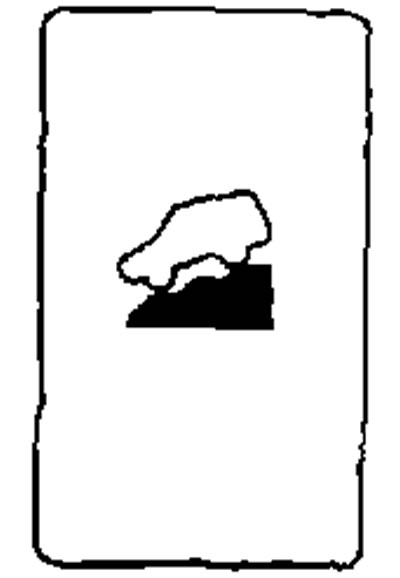
- If additional braking force is required when driving on a steep downhill slope, activate the HDC system by pressing the switch.
- The activation of the HDC system is indicated by the corresponding indicator lighting up. The brake lights will also come on when the hill descent control system applies the brakes to change the driving speed. Activation of the automatic control system.
- Shift the gearbox into the forward position (in a car with a manual transmission, only first gear must be engaged) or in reverse.
- Set the 4WD system to LOCK mode at speeds below 25 km/h.
- Press the HDC system switch to activate the system.
If the accelerator pedal or brake pedal is depressed while the HDC system is operating, the system will temporarily stop operating.
The HDC indicator will start flashing if:
- The switch is turned on, but all the necessary conditions for the system to operate are not met.
- The system has shut down for some reason.
For vehicles equipped with a manual transmission, if the coolant temperature is below normal, the HDC system may switch off. In this case, its indicator will flash. The HDC system may be switched on again after the operating coolant temperature has been reached.
When the speed exceeds 40 km/h, the all-wheel drive system mode will change from LOCK to AUTO. To activate the HDC system, turn on the LOCK mode again as soon as the vehicle speed drops below 25 km/h.
To turn off the HDC system, press the switch to the OFF position.
The source is published on the portal nissanbook